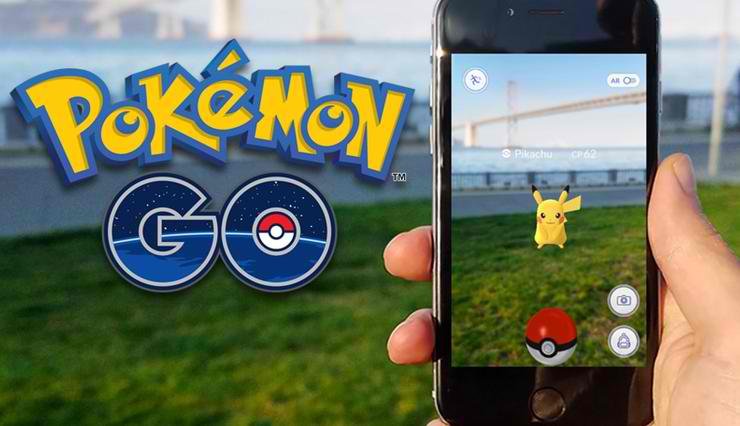
By now I’m sure you’re already familiar with Pokémon Go, the latest Pokémon game which lets you catch Pokémon in real world locations. Most parents are concerned whether Pokémon Go is safe for kids especially when they have to go around in order to play the game.
Pokémon Go is an augmented reality app which allows users to travel between the real world and the virtual world of Pokemon on your phone or tablet. Pokémon Go uses real locations to encourage players to search in the real world to discover and catch more than a hundred different Pokémon as they explore their surroundings. Pokémon Go is already a worldwide hit for the main reason that it’s fun to play. So far, there have been accidents and robberies related to playing Pokémon Go but the number of incidents are not alarming.
The Pokémon Go app by Niantic Labs is free for both iOS and Android but in-app purchases of PokéCoins are available to exchange for power-ups and extra items. If your kids are using your phone or tablet to play, make sure your AppStore or Google Play account is password-protected so they will not make unnecessary purchases and you don’t end up paying a huge credit card debt.
How to Make Pokémon Go Safe for Kids
The age recommendation on the AppStore and Google Play for Pokémon Go players is 9 years and above because of “Infrequent/Mild Cartoon or Fantasy Violence”.
Pokémon Go is great to get kids to go outdoors, but the real danger is when kids explore the real world unattended by adults. Here are some of the things that we can do in order to make playing Pokémon Go more enjoyable and safe for kids.
- Make it a family activity. The best way to keep kids safe while playing Pokémon Go is to accompany them and make it fun family bonding activity. This will avoid getting them into accidents, trespassing into private properties, and taken advantage by strangers. Since most PokéStops are tourist attractions, this is a nice way to let the kids know more about their city.
- Set boundaries for your kids. If you can’t be with your kids, establish a safe area where you allow your kids to play make sure they stick to it. Tell the kids to pay attention to their surroundings, whether they are crossing a busy road or going to a place they are not familiar with. If you have a GPS tracker, set a Geo-leash so you will be alerted if kids go beyond your agreed boundary.
- Stranger Danger. As more Pokémon Go players will be drawn to PokéStops, kids will meet new people and they should be aware of the dangers of meeting strangers. They should never go to PokéStops located at shady places at night because you can never be sure if it’s just ordinary players who set out Lures or robbers.
- Keep their identity private. Create a secondary, dummy Google account for them which doesn’t link to their school or personal data. Instead of their real names, make them use a really cool nickname in Pokémon Go.
- Use the buddy system. Pokemon are best caught in pairs or groups. Not only is it more fun for everyone involved, it’s safer too. Especially for kids. If you can’t be with them, make sure you have someone you trust go with them.
- Watch out for signs of addiction. Just like any game, players who win feel like they need to keep playing. Watch your kids after they play Pokemon Go if they become aggressive, they might be playing too much or they might be having trouble controlling themselves.
So far I am enjoying playing Pokémon Go but I don’t let my daughter play with it yet. I just introduce her to the different Pokémon in my Pokédex and she’s already familiar with them. I find Pokémon Go a really fun game which can be enjoyed by families. It’s a great way to encourage kids to go outside and explore their surroundings.

Leave a Reply